(From: http://www.gaiaonline.com/forum/art-discussion/anyone-know-how-to-use-masks-on-paint-tool-sai/t.77562449/)
Whether it helps depends on if you need the tool for your own style/method. If you understand the ideas of what a mask does you can figure out if it'll help you. Here's what a mask does (sorry, though, no specifics on how it works in SAI, I have Photoshop, but the ideas are the same).
A mask blocks part of an image out, without affecting the image permanently. Take this, for example:
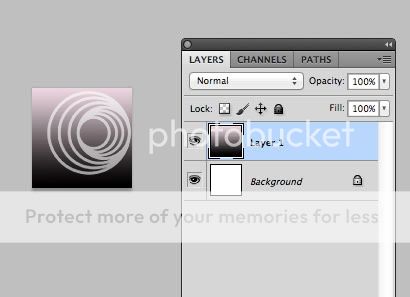
I use a mask to block out parts of the gradient, so they don't show up (and the white from the layer below shows up underneath:
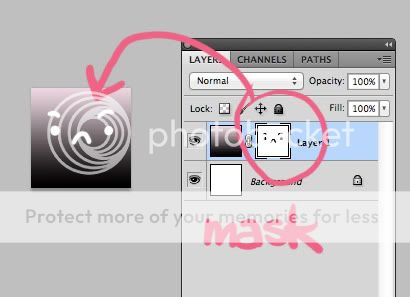
Why wouldn't I just draw straight onto the layer instead?
Because, when using a mask I can erase without really changing anything/hurting the original image.
Why not just make a regular layer on top to draw that face?
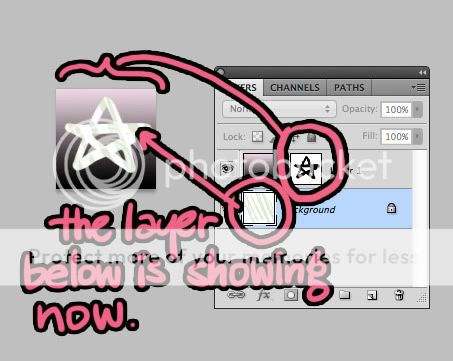
It's fine if that's all you want, but the mask allows for the layer(s) underneath to show:
Here's a more practical use- I make a comic and want to change the shape of the panel borders, and the artwork is too big for the panel:
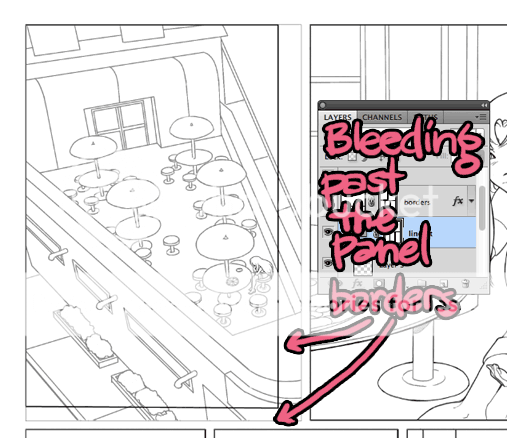
A mask, in the shape of my panel, will hide the rest of the artwork (so I don't just have to delete parts of it):
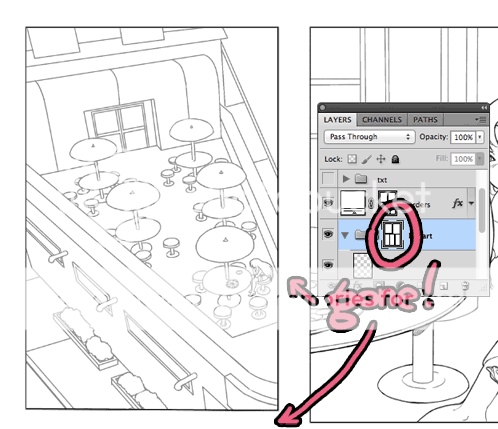
Why's that important:
Well, if I want to move the panel over a little, I still have the artwork:
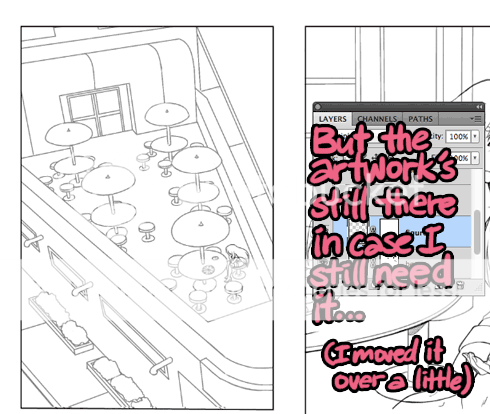
If you use masks for coloring, you could mask a layer, and not worry about coloring outside of the lines or coloring in places you didn't mean to color.
Here's a tutorial for using masks in SAI.